Forgetting a password is a small problem that can feel big when you want to get back into your account quickly. The jio lottery login app apk gives registered players a simple way to sign in, and if the password slips your mind, the recovery path is built into the same login screen. This guide walks through the exact steps for resetting a forgotten password, recovering access to your account, and keeping your login details safe in the future.
How the Normal Login Works
Before looking at recovery, it helps to know how a regular sign-in works. Open the site or the app, tap the login option, and enter the mobile number or username you registered with, followed by your password. If the details match, you are taken straight to your account dashboard. Most login failures come from small mistakes, such as a wrong digit in the mobile number, a capital letter typed in the wrong place, or an old password saved in the browser. Checking these basics first can save a full recovery attempt. Use the same number you registered with, since it is tied to your account and verification messages.
Starting a Password Reset
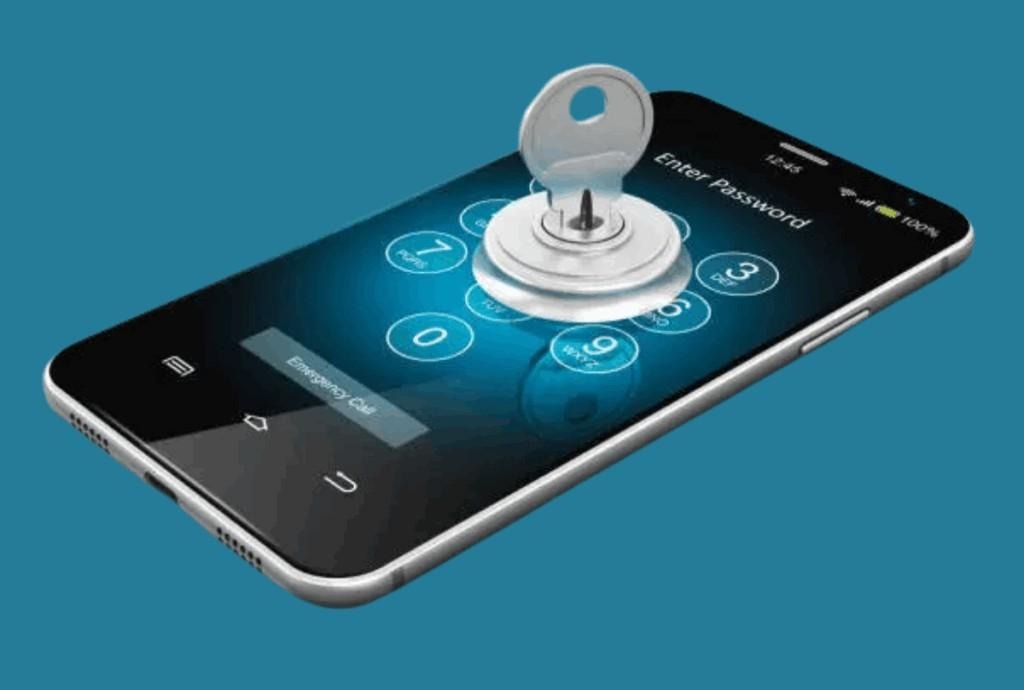
When you are sure the password is wrong, look for the “Forgot Password” option on the login screen. Tap it and you will be asked to enter the mobile number linked to your account. After you submit it, the platform sends a verification code to that number. Enter the code in the box provided, and once it is accepted, you can set a new password. Choose something you can remember but others cannot guess easily, combining letters and numbers. After saving the new password, go back to the login screen and sign in with it to confirm the reset worked.
What to Do If the Code Does Not Arrive
Sometimes the verification code takes longer than expected. Wait a minute or two before requesting a new one, because asking repeatedly can cause older codes to stop working. Check that your phone has network signal and that messages from unknown senders are not being blocked or filtered into a spam folder. If you changed your SIM card or lost access to the registered number, the code route will not work, and you will need to reach the platform support team through the help or contact option inside the app or on the site. Explain that you cannot receive codes on the registered number and ask what identity check they need to update it. Keep your account details ready, but never share your password with anyone, including anyone claiming to be support staff.
Recovering an Account After a Wrong Password Lockout
Entering the wrong password many times in a row can temporarily lock the login for a short period. This is a safety feature, not a punishment. Wait for the lockout period to pass, then try again carefully, or use the forgot-password flow instead of guessing again. If you recently changed your password and the old one still seems to work in your memory, try the new one first, since the system only accepts the latest saved password. Store the new password safely right after a reset. Avoid saving passwords in shared notes or screenshots that other people might see.
Keeping Your Account Safe Going Forward
A recovered account is a good moment to improve security. Use a password that is different from the ones you use on other apps, and change it if you ever suspect someone else saw it. Log out fully when you use a shared or borrowed phone, and do not stay signed in on devices you do not control. The platform is an entertainment service for adults, with an 18-plus age restriction, so only adults should hold an account. Set your own spending limits and manage your playing time so the games stay a leisure activity. Never chase losses, and treat every session as entertainment rather than a way to earn money. If you ever feel your play is getting out of hand, take a break and step away.
Losing access to an account is frustrating, but the recovery steps on jio lottery are straightforward: use the forgot-password option, verify with the code sent to your registered number, and set a fresh password. If the code never arrives or the number itself is gone, contact support and follow their identity check. Once you are back in, store the new password safely and keep your login habits careful. A calm, step-by-step approach gets you back into your account faster than repeated guessing ever will.